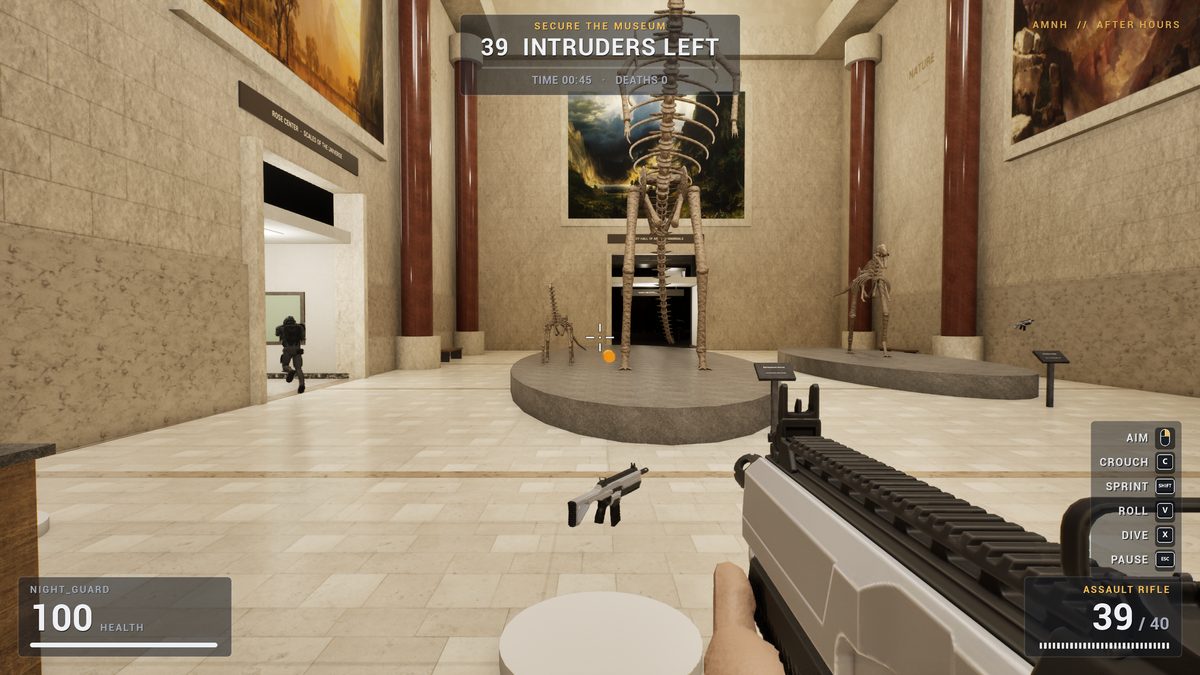
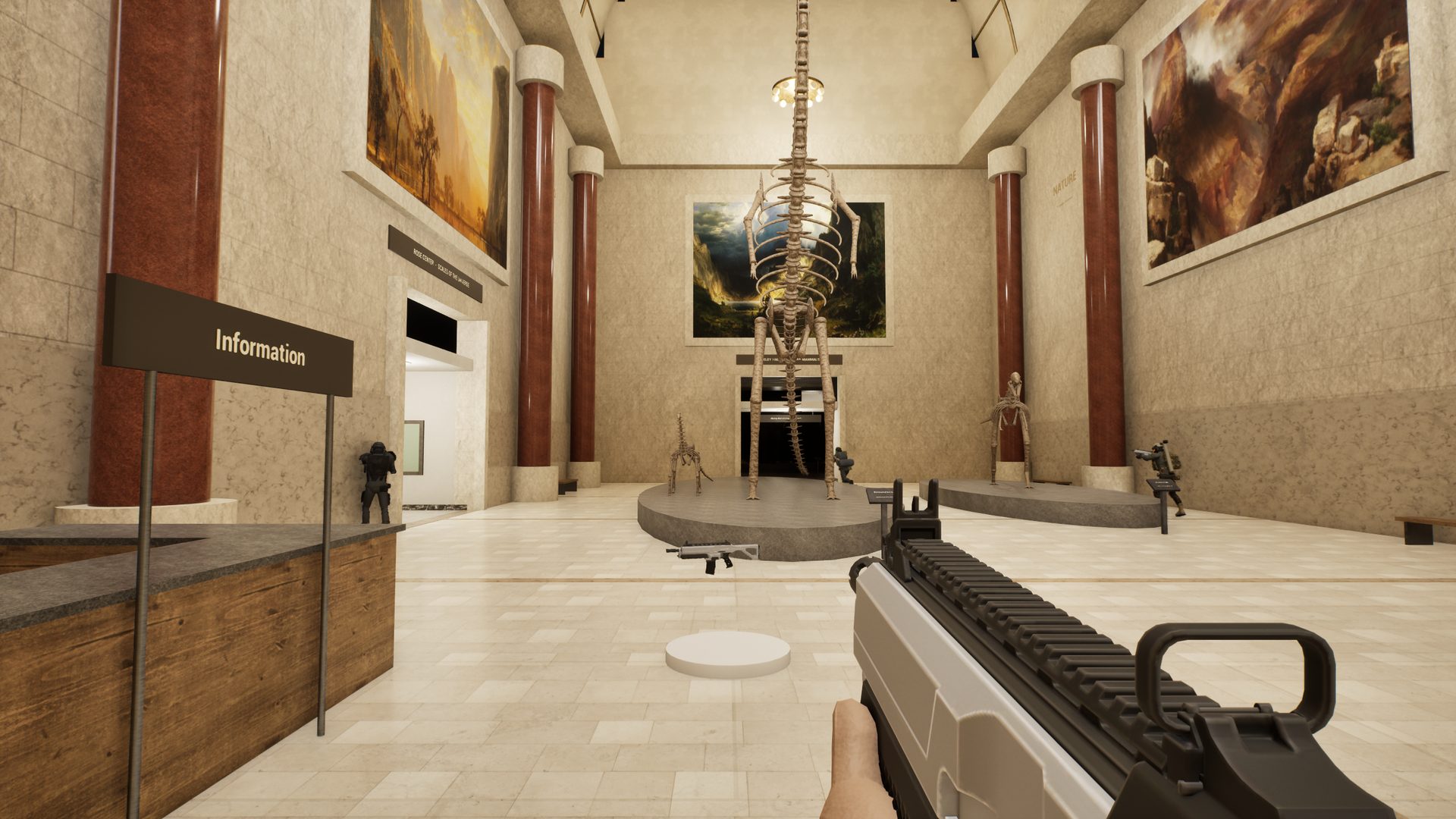
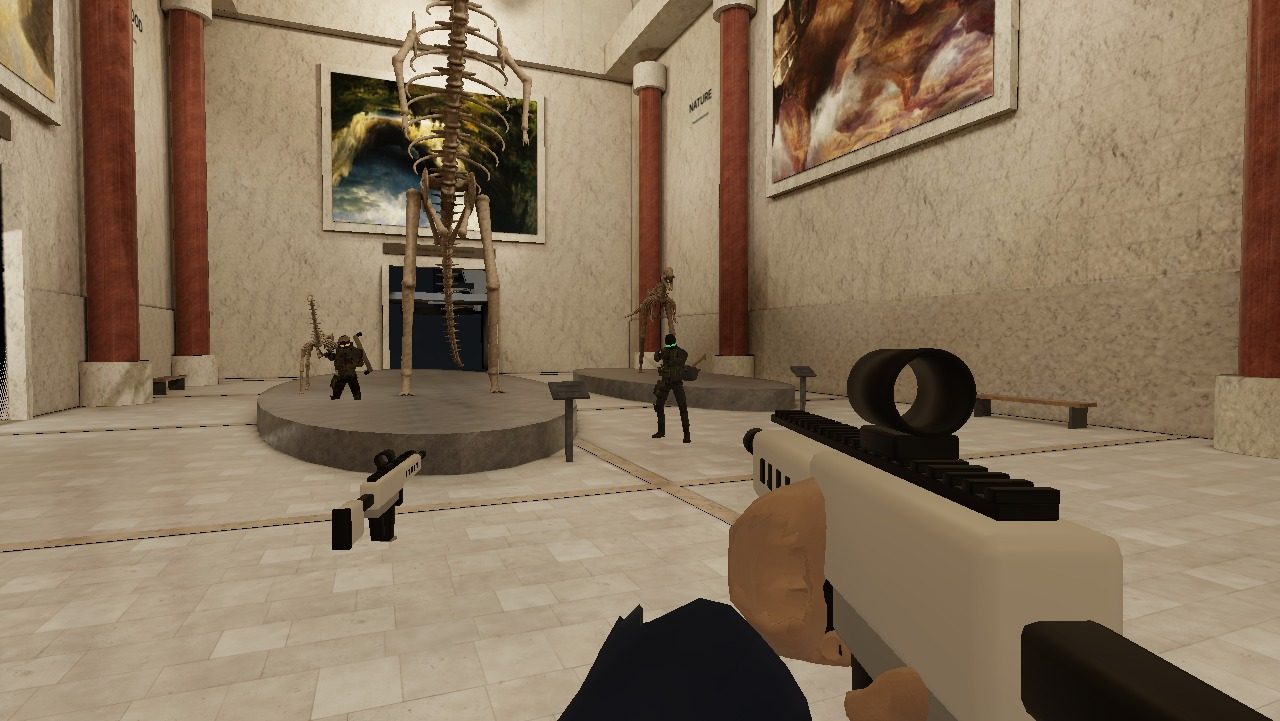
First-person view with a rifle in the museum's rotunda at night, intruders running past the Barosaurus skeleton

A fan-made shooter · Natural history museum · Night shift

AFTER
HOURS

The museum is closed. The intruders aren't.

New in v1.4.0: browser play and crossplay — app and browser players in the same match. What's new · Create account

Night guards
—
Matches played
—
Intruders neutralised
—
Downloads
—
▾

01

One night.
Ten halls.
39 intruders.

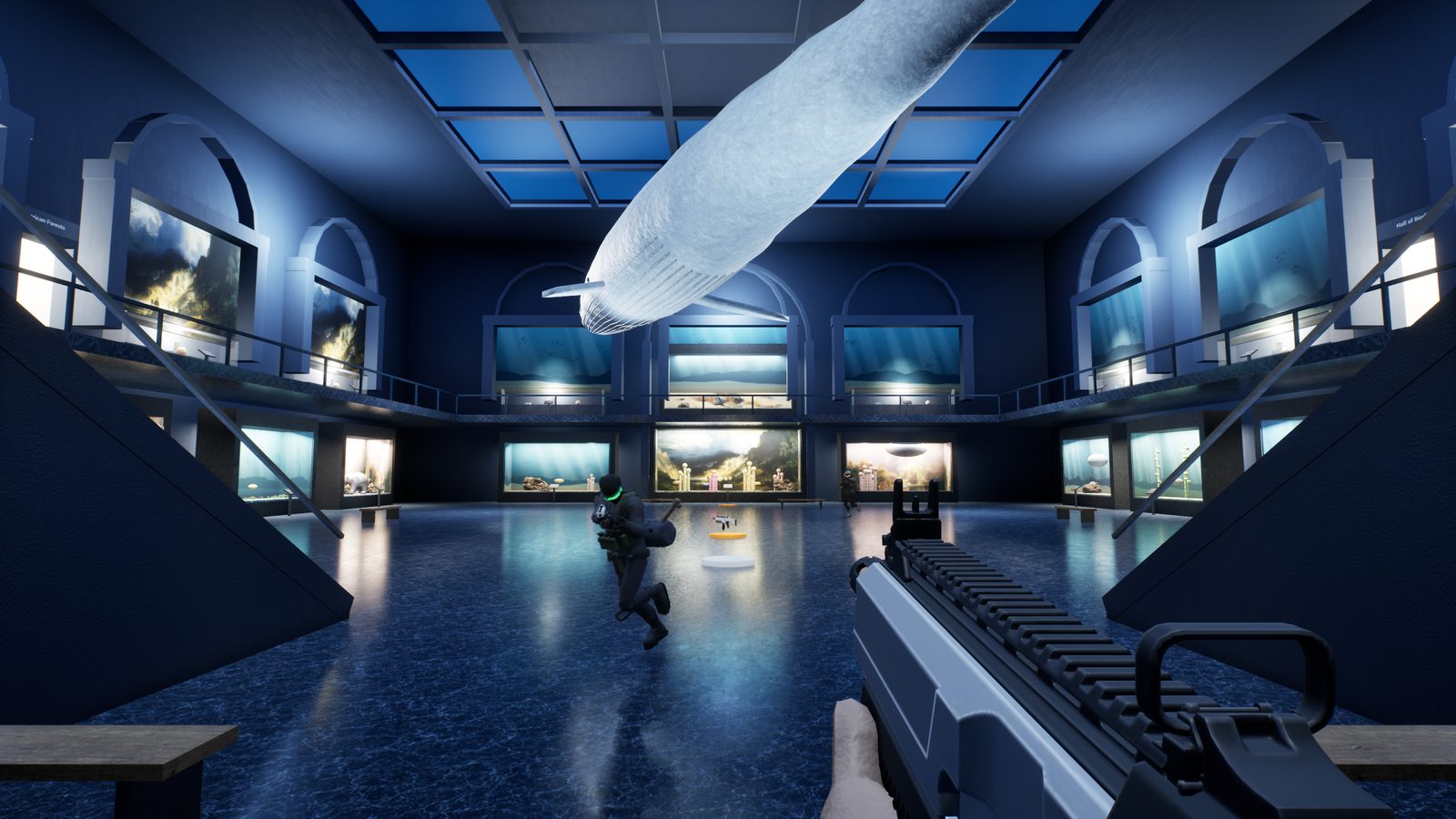
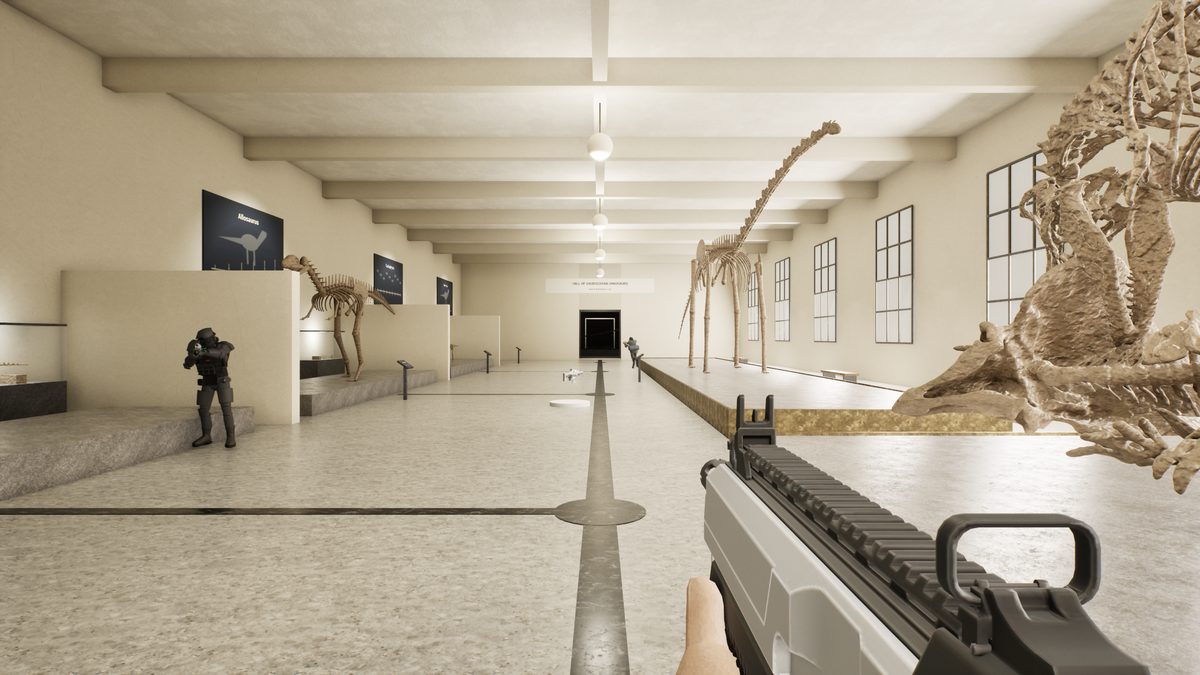
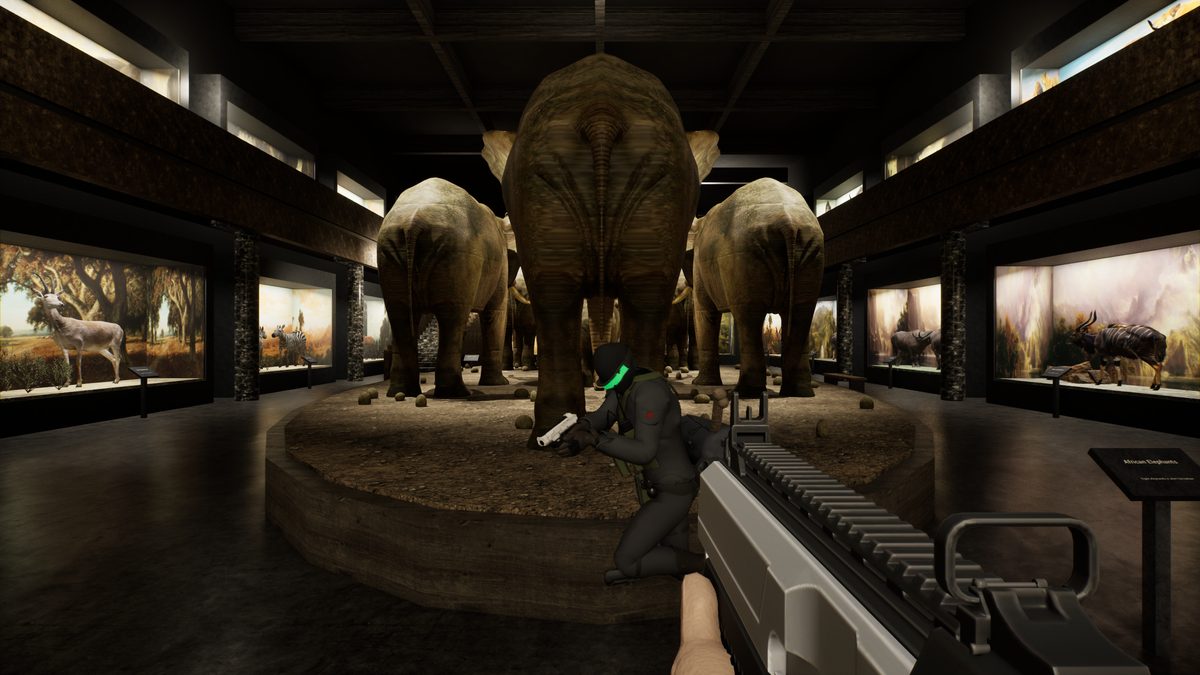
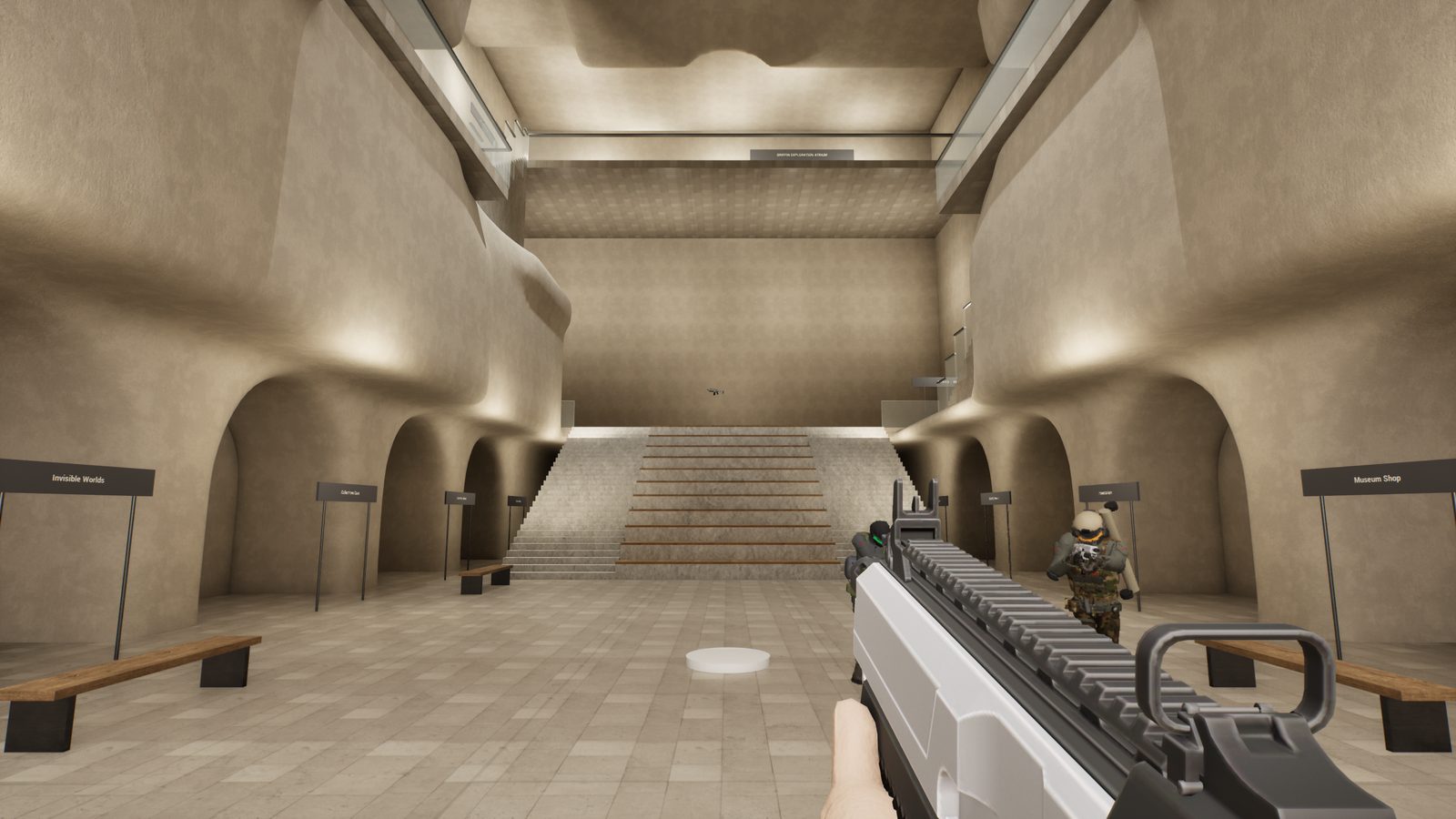
A crew has broken into the museum after closing, and they're walking out with fossils and paintings. You're the night guard. Clear every hall — the Rotunda, the Hall of Ocean Life under the blue whale, the dinosaur halls, the elephants of the Akeley Hall and the Gilder Center's canyon atrium.

Go in alone, bring your friends for co-op, or turn the museum into a deathmatch arena. Play it on the Windows app with full ray-traced lighting, or straight from a browser on your phone, tablet, Chromebook or console — and still play together.

02

The Museum

Hall of Ocean Life with the blue whale overhead and an intruder crossing the floor
Hall of Ocean LifeUnder the 94-foot blue whale.
Hall of Saurischian Dinosaurs with an intruder among the skeletons
Dinosaur HallsLong sightlines, nowhere to hide.
Akeley Hall of African Mammals: an intruder in front of the elephant herd
Akeley HallDioramas in the dark, elephants in the middle.
The Gilder Center's canyon-like atrium with an intruder by the arches
Gilder CenterA canyon of arches, bridges and balconies.

03

Modes

First-person view with a rifle in the rotunda, intruders by the Barosaurus

Co-op

You and your friends against 39 intruders across ten halls. Shared objective, no friendly fire, a scoreboard that settles who carried.
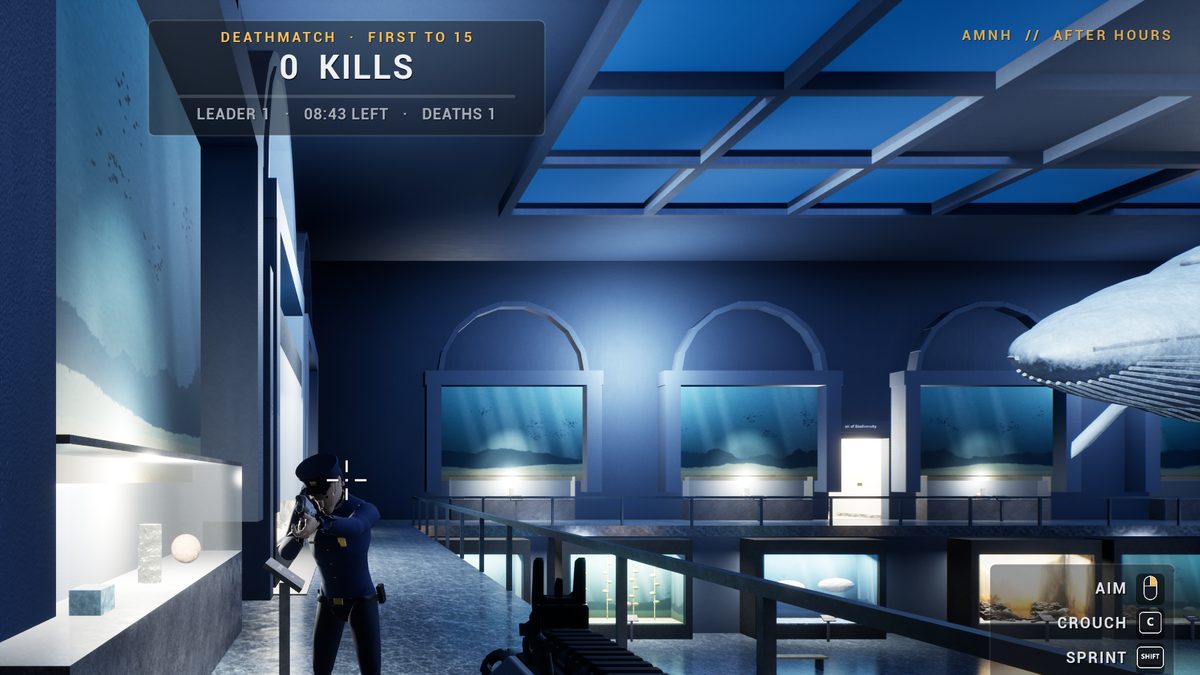
Deathmatch in the Hall of Ocean Life: another guard — a browser player — aims straight at you

Deathmatch

Everyone against everyone, app and browser players alike. Spawn in a random hall with a rifle and pistol. First to 15 kills, or the most after ten minutes.
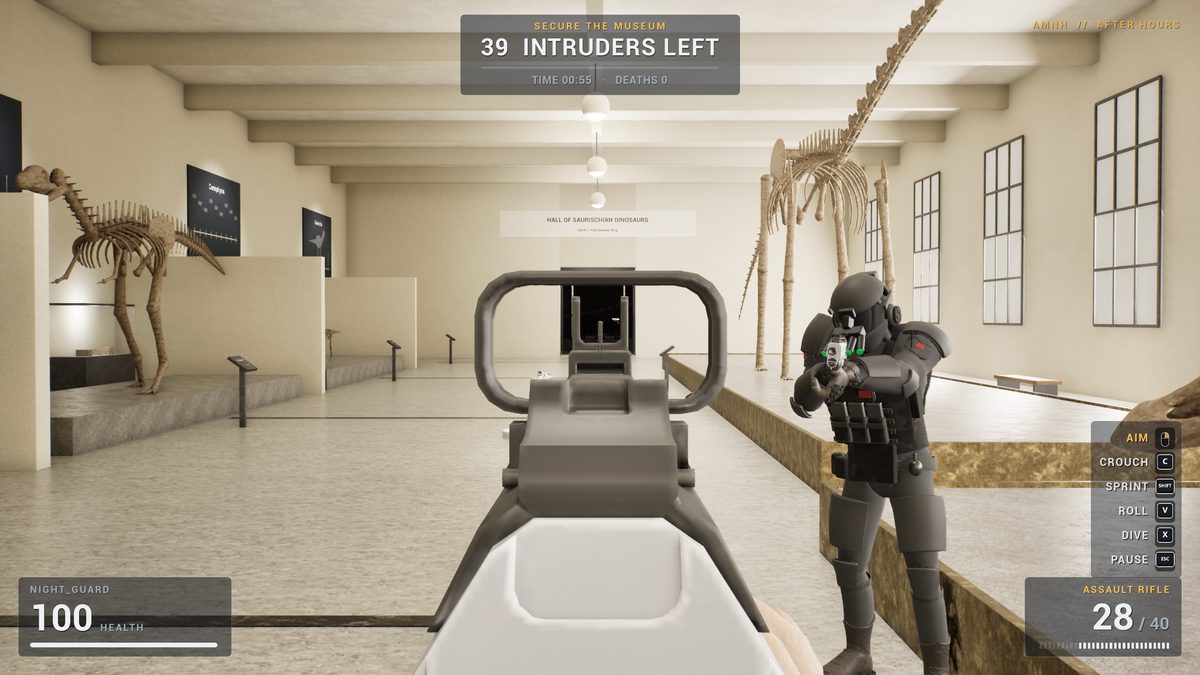
Aiming down the sights of a rifle at a heavy intruder in the dinosaur hall

Solo

Just you and the night shift. Race the clock — your fastest clear goes on the leaderboard.

  • CrossplayBrowser and app players share the same matches, friends and leaderboards.
  • Quick-hideOne key turns the game into a calm museum walkthrough. How it works
  • Aim down sightsSteady, zoomed sight picture on every weapon.
  • Slide · roll · diveSprint into a slide, dodge-roll, dive for cover.
  • Touch & controllerOn-screen controls on phones and tablets; Xbox-style pads everywhere.
  • Rifle · pistol · launcherPick them up around the halls.

04

Play
Anywhere

No download needed. Open the game in a browser and you're in the same museum, with the same account, the same friends — and the same matches as the app.
  • Phones & tablets — Android, iPhone, iPad. Hold it sideways; thumbsticks and buttons appear on screen.
  • Computers — Windows, Mac, Linux, Chromebook. Keyboard & mouse or a controller.
  • Consoles — anywhere with a modern web browser and a controller.
  • Crossplay — host or join from either version. Browser players show up as guards in the app, and the other way round.

The browser version is lighter than the app: baked lighting instead of ray tracing, simpler characters, and the museum streams in as you play (about 100 MB the first time, then it's cached). Needs WebGL 2 — any browser from the last few years.

opencrate.com.co/play
The browser version: holding a rifle in the rotunda with two intruders by the Barosaurus
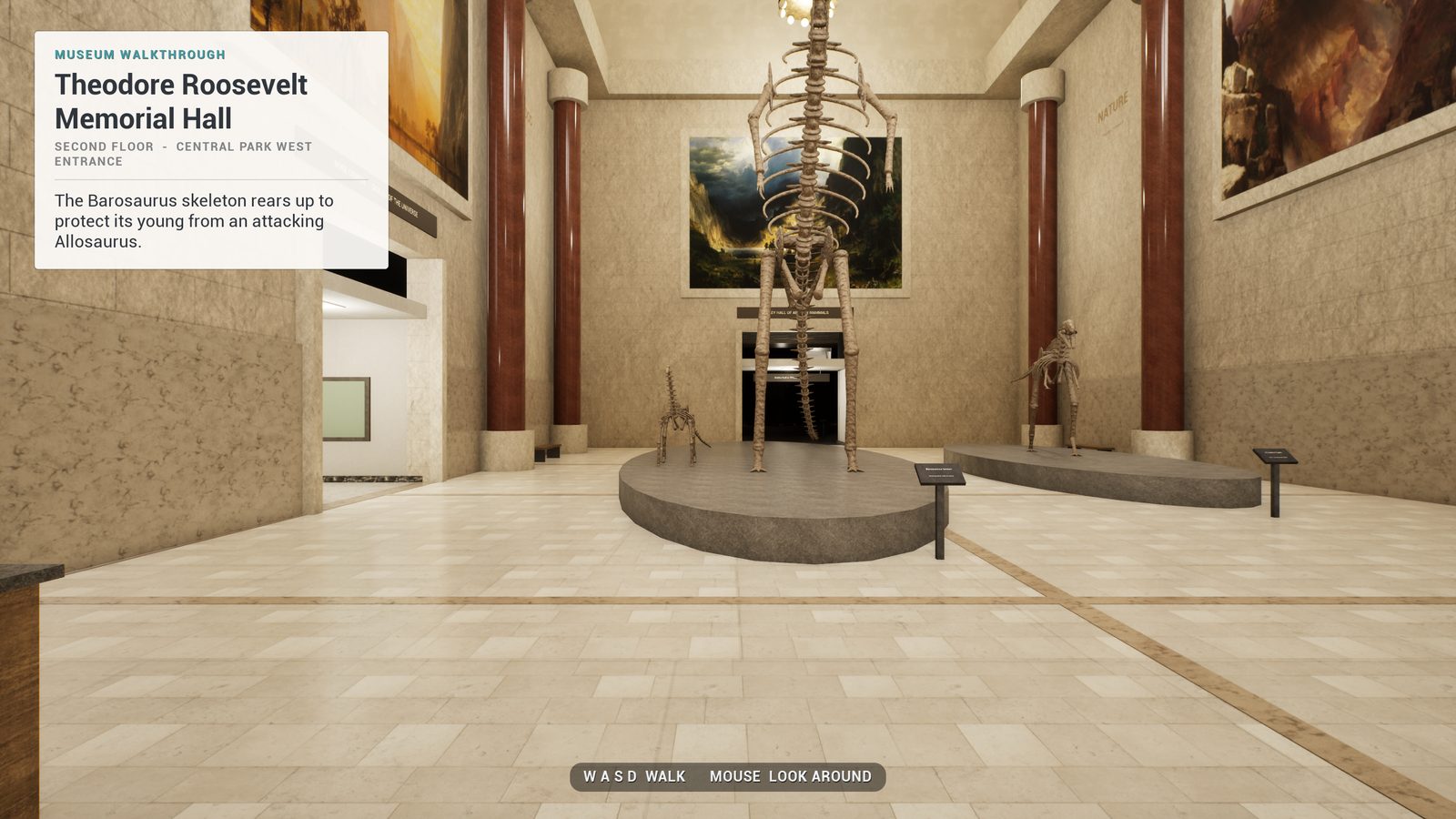
Quick-hide on: no gun, no HUD, just the rotunda and a museum walkthrough card about the Barosaurus

05

Quick-hide

Someone walking past? Press your quick-hide key and the shooter is gone in an instant: no gun, no intruders, no HUD, no gunfire. What's left is a calm walkthrough of the hall you're in, with a card of facts about it.

  • You can still walk around and look at everything — it really is a museum tour.
  • Press the key again and you're straight back in the game.
  • Solo games freeze the intruders while you're touring. Online, you stay in the match.
  • The game asks you to pick the key the first time you open it — ~ is the default. Phones and tablets get a round TOUR button.

06

Leaderboards

#GuardIntrudersMatchesK / DAccuracy
Loading…

07

Your
Dashboard

Sign in with your game account to see everything from your night shifts — on the app and in the browser.

  • Career stats, K/D, accuracy and your leaderboard ranks
  • Every match you've played, with the last 30 days charted
  • Awards to unlock — from First Shift to Untouchable
  • Your friends: who's online, who's hosting, and a crew leaderboard

08

Play With Friends

Online play works over the internet with nothing else to set up — no Steam, no router settings, no VPN. Matches run on our match server, so it doesn't matter who's on a phone and who's on a PC.

1 Make an account

  1. Open the game — in the browser or the Windows app.
  2. Choose Create account, pick a username and password. That's it — no email needed.
  3. The game remembers you. The same account works in the app, in the browser and on this website.

2 Add your friends

  1. In the main menu, type your friend's username under Friends — or add them from your dashboard.
  2. They accept the request, and you'll see each other online in the menu.

3 Play together

  • Friends: host a Co-op or Deathmatch game and press Invite next to their name. They join with one click.
  • Anyone else: your screen shows a 6-letter join code. They type it into Join with a code.
  • Up to 12 players, app and browser mixed.

09

Download

The Windows app is the full-fat version: ray-traced lighting, scanned materials, the detailed characters. Free. Run the installer, then play from the Start menu. Run a newer one any time to update.

Checking the latest build…

Windows may warn that the installer isn't signed: choose More info → Run anyway. No admin rights needed.

System
Windows 10 or 11, 64-bit
Graphics
DirectX 12 GPU — GTX 1660 / RX 5600 or better
Memory
16 GB RAM
Disk
A few GB free
Input
Keyboard & mouse or Xbox-style controller
Browser
Anything else: play in the browser

10

Controls

ActionKeyboard & mouseControllerTouch
Move / lookWASD / mouseLeft stick / right stickLeft thumb / drag on the right
Fire / aim down sightsLeft / right mouseRT / LTFIRE / AIM
SprintShiftL3Push the stick all the way
JumpSpaceAJUMP
Crouch · slide while sprintingC or CtrlBCROUCH
Roll · diveV · XLB · R3ROLL
Swap weaponQ / wheelYSWAP
Quick-hide (museum walkthrough)~ or your own keyD-pad left / right (if you pick it)TOUR
Pause · leave gameEsc · then LView · then XII
Next round (host)EnterStartPLAY AGAIN

11

What's New

v1.4.0 Latest

Browser version · crossplay · quick-hide

  • Play in your browser. The whole museum, all three modes, on phones, tablets, Macs, Chromebooks and consoles — /play. Touch controls, controller support and three graphics levels.
  • Crossplay. Online games now run on the website's match server, so app and browser players can host, join and invite each other. Other players appear as guards; intruders, hits, kills and scores are shared.
  • Quick-hide key. One press turns the game into a museum walkthrough with facts about each hall — press again to jump back in. Set it the first time you open the game, or later in the main menu and in Settings.
  • New screenshots on this site from the current graphics.
  • Up to 12 players per online match (was 8).

v1.3.0

Photoreal pass

  • Hardware ray-traced lighting, scanned stone, wood and fabric materials, real fossil scans, painted diorama backdrops and new animal models.